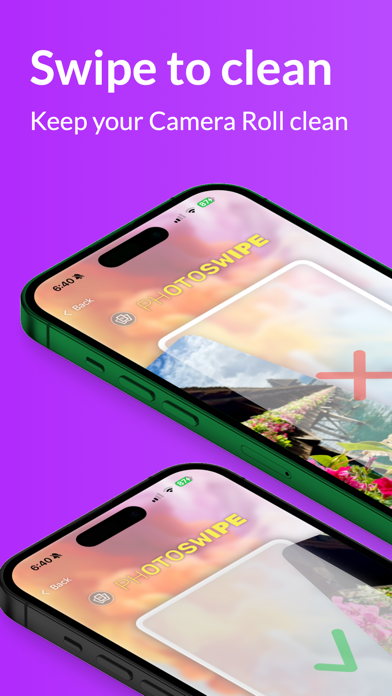
Photo Swipe transforms the tedious, often overwhelming task of cleaning up your camera roll into a fast, fun, and satisfying experience. Most people take far more photos than they need — burst shots, duplicate selfies, blurry images, screenshots of temporary information, and photos that seemed important at the time but have long since lost their relevance. Over months and years, these accumulate into thousands of unnecessary files that consume valuable storage space and make it harder to find the photos that actually matter. The traditional approach of scrolling through your Photos app and manually selecting images to delete is so slow and boring that most people simply never do it. Photo Swipe changes that dynamic entirely by borrowing the intuitive swipe mechanic that everyone already knows — swipe right to keep a photo, swipe left to delete it. This simple gesture turns gallery cleanup into something that feels more like a game than a chore.
The AI-powered duplicate detection feature takes the cleanup process even further by automatically identifying groups of similar or identical photos in your library. When you take multiple shots of the same scene — hoping to get one perfect image — the app recognizes these clusters and presents them together, making it easy to select the best version and discard the rest in seconds. The duplicate detection algorithm analyzes visual similarity, not just file metadata, so it catches near-duplicates that differ slightly in angle, lighting, or timing. This is particularly useful for people who habitually take several photos of every moment, as well as for anyone who has received the same image multiple times through different messaging apps. By automating the detection of redundant photos, Photo Swipe eliminates the most time-consuming part of gallery management.
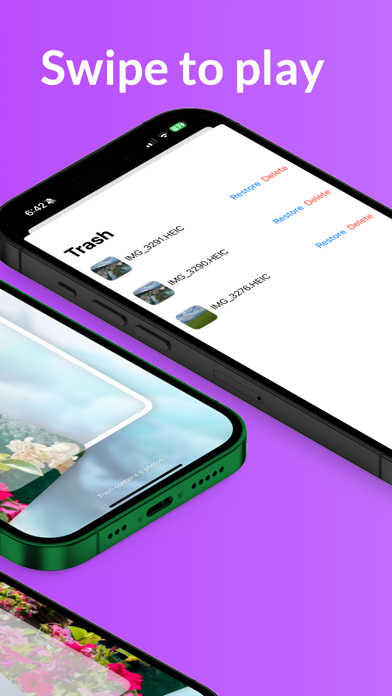
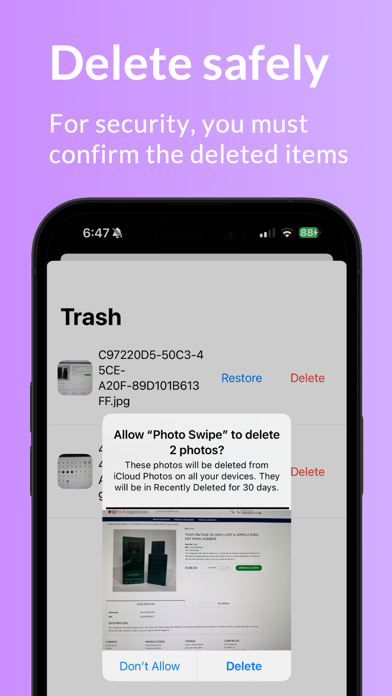
Real-time storage tracking provides immediate, tangible feedback as you swipe through your photos. A live counter displays exactly how many megabytes of storage you have recovered during your current session, turning an abstract benefit into a concrete, visible reward. Watching the freed storage number climb with each swipe creates a satisfying sense of accomplishment that motivates you to keep going. The app also uses your current photo as the background, creating a personalized, immersive experience that keeps you engaged with your content rather than staring at a generic interface. Safety is built into every aspect of the design — all deleted photos are moved to the Recently Deleted folder in your Photos library, where they remain recoverable for 30 days before being permanently removed. This means you can swipe quickly and confidently, knowing that if you accidentally delete a photo you wanted to keep, you can always get it back.
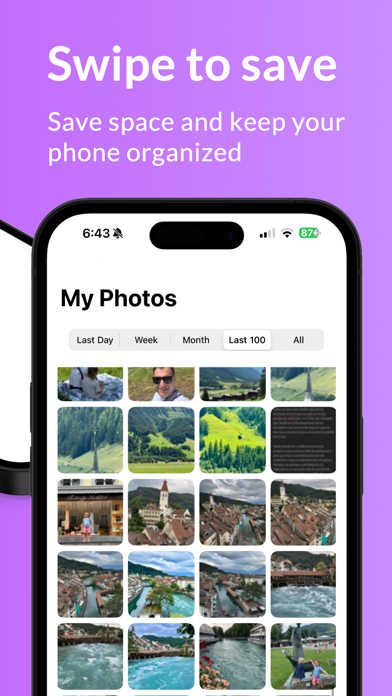
Photo Swipe is perfect for anyone whose camera roll has gotten out of control — and that includes most smartphone users. Whether you have 500 photos or 50,000, the swipe-based interface makes it practical to review your entire library at a pace that feels natural and sustainable. The app works with all photo formats supported by iOS, including HEIF, JPEG, PNG, RAW, and Live Photos. Lifetime premium access is available for just $0.99 — a one-time purchase with no subscriptions, no recurring charges, and no hidden fees. This makes Photo Swipe one of the most affordable and straightforward utility apps on the App Store. In just a few minutes of casual swiping — during a commute, while waiting in line, or relaxing on the couch — you can free up significant storage space and rediscover the photos that truly deserve a place in your library. Clean gallery, clear mind.